
Insights · page 8
Straight answers about small-business IT in Dallas (page 8)
What things cost, what to ask, how to switch providers, how to wire an office and how to keep a dental or law practice out of trouble. Written by the person who does the work.
Results

Opening a second office: how the IT gets set up
A second office is not a copy of the first. Here is what the new location needs, how the two sites share files, sign-in and phones, what to order the day you sign the lease, and how one owner-led company supports both.

Locked out of your Microsoft 365 admin account
The admin password left with an employee or an old IT provider, or the authenticator was on a phone nobody has any more. Here is what recovery actually looks like, and how to structure admin accounts so it cannot happen twice.

Moving your business to Dallas: what happens to your IT?
Relocating to Dallas splits your technology cleanly in two: the parts that travel with you untouched, and the physical parts that have to be built again in Texas. Here is which is which, what to order first, and how a Dallas office is supported when the head office is somewhere else.
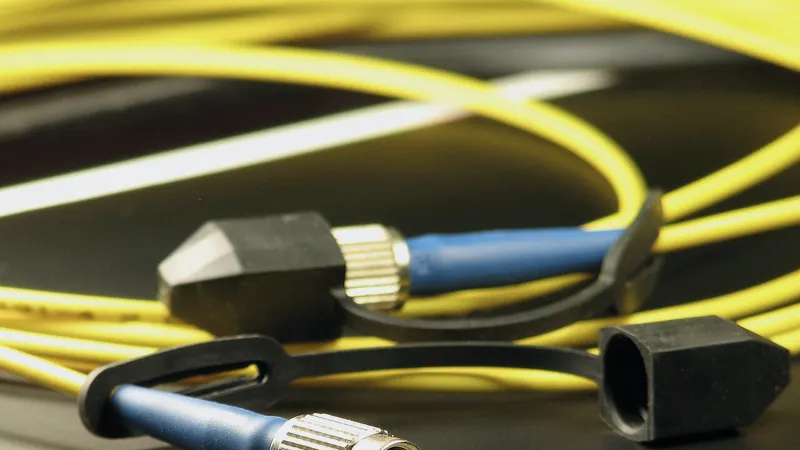
Cat6 vs Cat6a vs fiber for an office build-out
Most offices need Cat6 to the desks, Cat6a in a few specific places, and fiber only for backbone runs. Here is how I decide, what drives the cost, and what to ask an installer.

Your cyber-insurance questionnaire came back short: what to fix
Carriers ask about the same short list of controls every time. Here is what each one means in a small Dallas office, and the order that gets you furthest for the least money.

How do you choose business internet for a Dallas office?
Business internet is the longest lead item in any office project and the one most often chosen on the wrong number. Here is how to size bandwidth for a small office, what separates business service from residential, what an SLA really promises, and why internet gets ordered first.

Signs you need to change your managed service provider
Slow callbacks, repeat problems, backups nobody has restored and a bill that grows while the service shrinks. Here are the signs it is time to move, and how to judge a provider that is doing fine.

How to check an IT provider's references and reviews
Most IT reviews are noise and most reference calls are wasted on the wrong questions. Here is how to read a review properly, the five questions that get honest answers from a reference, and what a refusal actually means.
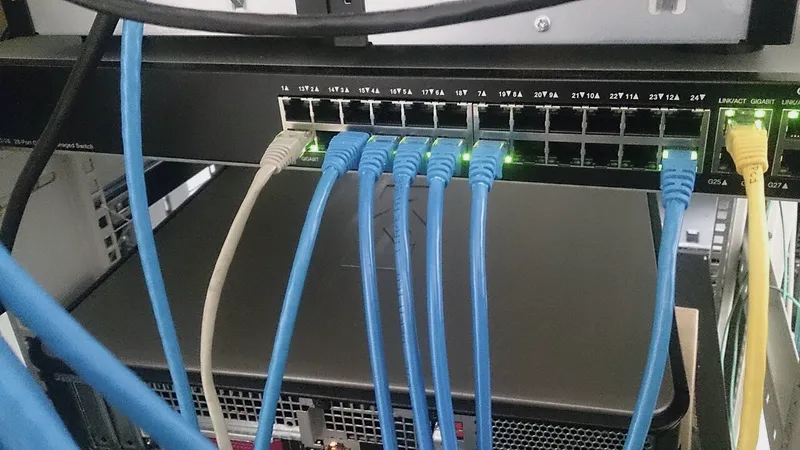
The office internet is down: is it the ISP or your network?
Before you sit on hold with the provider, five minutes of checking tells you whether the problem is theirs or yours. Here is the sequence, how to read the lights, and what to say when you call.

National IT chain or local Dallas provider: which should you hire?
National IT franchises and local Dallas providers each win at something different. Here is the honest comparison on who answers the phone, who knows your building, how escalation works, what the contracts look like, and which one fits an office of your size.

Questions to ask before hiring a managed service provider
Seven questions that separate a good IT company from a good sales pitch, what honest answers sound like, and the red flags I would walk away from myself.

Microsoft 365 security for a small business
A Microsoft 365 tenant is not secure just because it is Microsoft. Here are the settings I turn on for every small business I manage, in the order they matter, and what each one protects you from.
Have a question these did not answer?
Ask me directly. If it is a good question I will probably write the article.