
Insights · page 7
Straight answers about small-business IT in Dallas (page 7)
What things cost, what to ask, how to switch providers, how to wire an office and how to keep a dental or law practice out of trouble. Written by the person who does the work.
Results
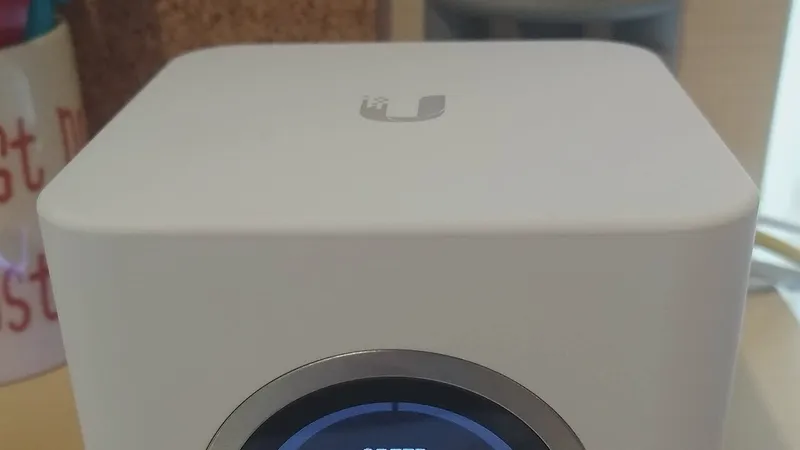
Office Wi-Fi access point installation: cabling, placement and setup
Good office Wi-Fi is a cabling job first and a radio job second. Here is how I decide how many access points an office needs, where they mount, and what a proper installation includes.
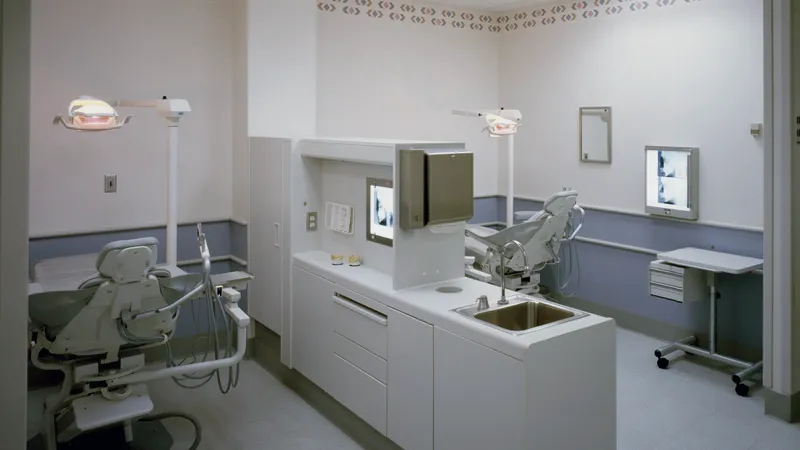
Data cabling for dental, medical and law office build-outs in Dallas
A dental operatory, an exam room and an attorney's office each need a different cable plan. Here is how I lay out drops, imaging, phones and the IT room for clinical and legal build-outs in Dallas, and how a dental office relocation runs.

What IT support does a 10-person office in Dallas need?
Ten people is the size where informal IT stops working. Here is the concrete build I would put in for a ten-person Dallas office, what is genuinely essential, what is optional, and what is overkill at that size.
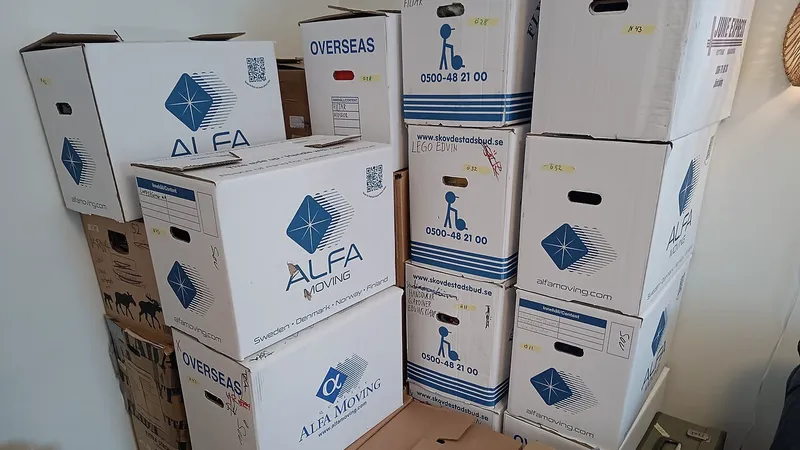
How much does it cost to move office IT in Dallas?
The honest answer is that it depends on desks, drops, servers and how much of the old office is worth moving. Here is what drives the number, with typical market ranges, and how I quote it.

Can IT problems be fixed without someone coming to your office?
Most support requests in a small office are software, email, account or network-configuration problems, and all of those are fixed over a remote session. Here is the honest split between what remote support handles and what genuinely needs someone standing in your server closet.
How to check that an IT company is legitimate
A verification checklist anyone can run in fifteen minutes before handing an IT provider the keys to the business, plus what a legitimate provider will happily show you.

Getting internet into a new office: who coordinates it and when
Internet is the slowest item in any new office and the one nobody owns. Here is who should coordinate it, what the lead times look like, how fiber, cable and fixed wireless compare, and the order list for the week you sign.

IT for interior design studios in Dallas
A design studio's IT is a mix of Macs and PCs, creative software, huge image libraries and client presentations that must not fail. Here is how I look after all of it for studios in Dallas.
One-time IT help setting up new computers in Dallas
You bought new computers and you want them set up properly, once, without signing anything. Here is what a real business setup includes, what it costs by the hour, and when repair is worth it.
Can one person handle IT for our whole office?
The fair question to ask any small IT provider. Here is the honest version: you deal with me directly, but you do not depend on me alone. What I handle myself, what my team covers behind me, what happens during vacations, illness and overlapping emergencies, and when a larger provider is the better choice.
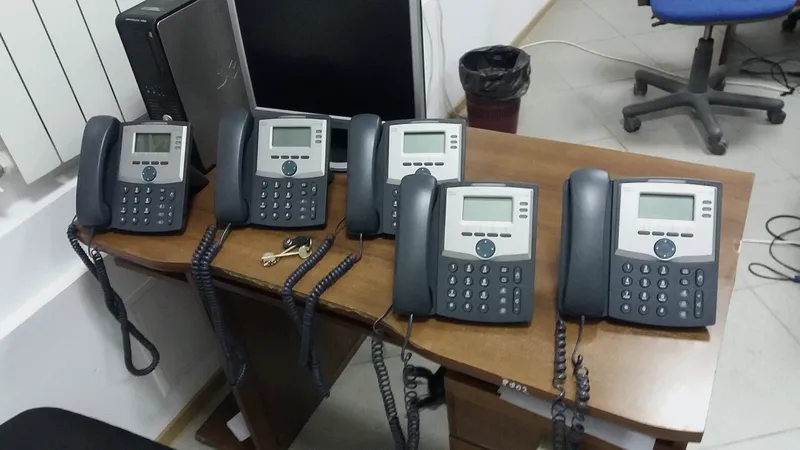
Phone system and IT support for a dental clinic
Phones are the front door of a dental clinic, and today they run on the same network as the computers. Here is what a dental phone system should do, why phones and IT belong with one provider, and how I set it up with Cleod 9 Voice.
Ransomware in a small business: what to do in the first day
If a ransom note is on the screen right now, the order you do things in decides how much you get back. Here is the first day, step by step, from isolation to backups to whether paying is ever the answer.
Have a question these did not answer?
Ask me directly. If it is a good question I will probably write the article.